Complete Guide to Reducing Laptop Startup Time Without Reinstalling Windows

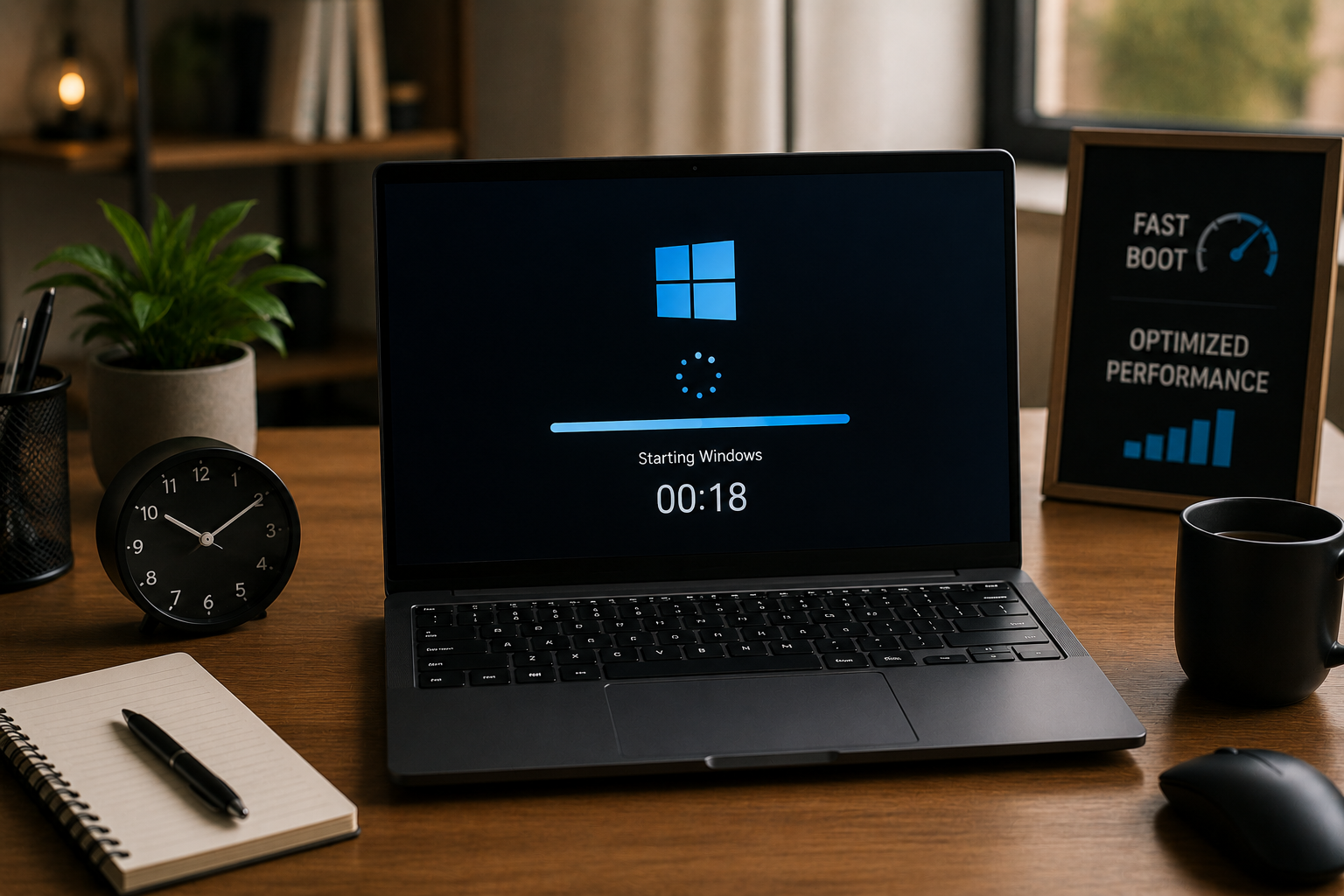
If your laptop takes several minutes just to reach the desktop, the problem is often not the age of the device—it is the collection of small issues that build up over time. Too many startup apps, overloaded background services, unnecessary temporary files, outdated storage habits, and poor system maintenance can make a perfectly usable laptop … Read more

Creating a Simple Digital Backup Strategy for Everyday Safety

In today’s digital world, most of our important information lives on devices—phones, laptops, tablets, and online accounts. From family photos and personal documents to work files and financial records, everything is stored digitally. But many people only realize the importance of backups when something goes wrong, like accidental deletion, device failure, or data corruption. That’s … Read more

How to Build a Minimal App Stack for a Simpler Digital Life

In today’s fast-paced digital world, it’s easy to feel overwhelmed by the number of apps we use every day. From social media platforms to productivity tools, note-taking apps, messaging services, cloud storage, and countless utilities, our devices often become cluttered with more software than we actually need. This overload can slow us down, distract us, … Read more

How to Protect Personal Data Across All Connected Devices

For most of my life, I never really thought about how much personal data I was spreading across my devices. I connected my phone, laptop, tablet, smart TV, and even small apps in ways I didn’t fully understand. Everything felt convenient—photos syncing automatically, passwords saved in browsers, apps logging in instantly across devices. That changed … Read more

Practical Ways to Improve iPhone Battery Life Every Day

If your iPhone battery drops too quickly during normal daily use, the problem is often not the age of the device alone. Small habits like keeping brightness too high, allowing too many apps to refresh in the background, constant location tracking, weak network signals, and charging patterns can quietly drain battery throughout the day. Many … Read more

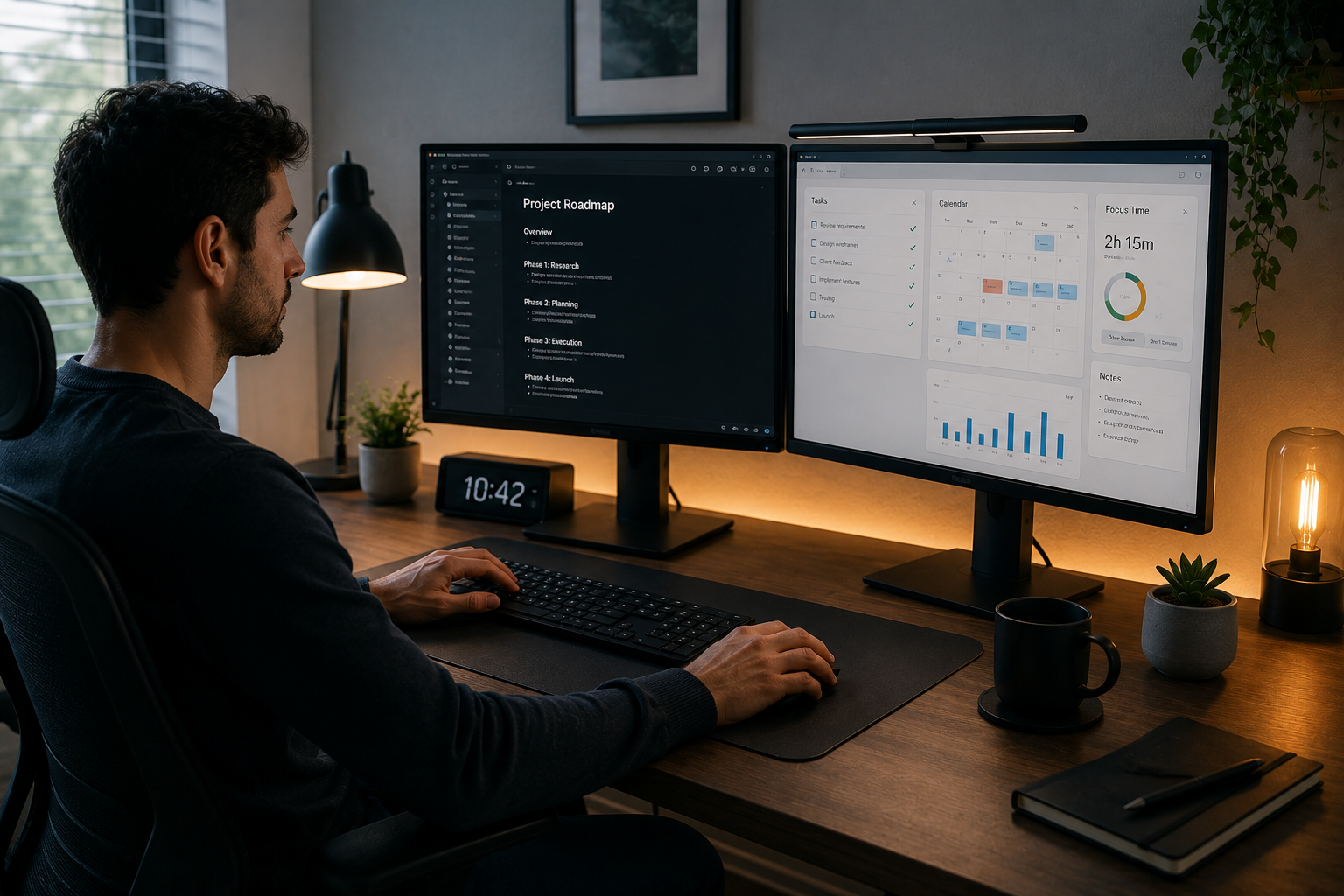
My Dual Monitor Setup for Better Focus While Working From Home

Working from home sounds simple until the small distractions start stacking up. Constantly switching between browser tabs, shrinking windows to compare documents, missing notifications, and losing focus during meetings can turn even basic tasks into slow, frustrating work. For many people, the problem is not poor time management—it is limited screen space. Using a single … Read more

How to Protect Sensitive Files While Working on Public Networks

Working outside the office has become normal for many people. Cafés, airports, hotels, coworking spaces, and public libraries often turn into temporary workspaces where laptops stay open for hours. The convenience is real, but so is the risk—especially when sensitive files are involved. Invoices, client contracts, identity documents, business reports, financial spreadsheets, legal drafts, and … Read more

How I Optimized Windows 11 for Work From Home

Working from home comes with its perks — flexible hours, no commuting, and a comfortable workspace. But it also brings unique challenges, especially when your computer isn’t running at peak performance. When I switched to remote work full-time, I realized my Windows 11 laptop wasn’t fully optimized for productivity. It was sluggish, notifications were overwhelming, … Read more