
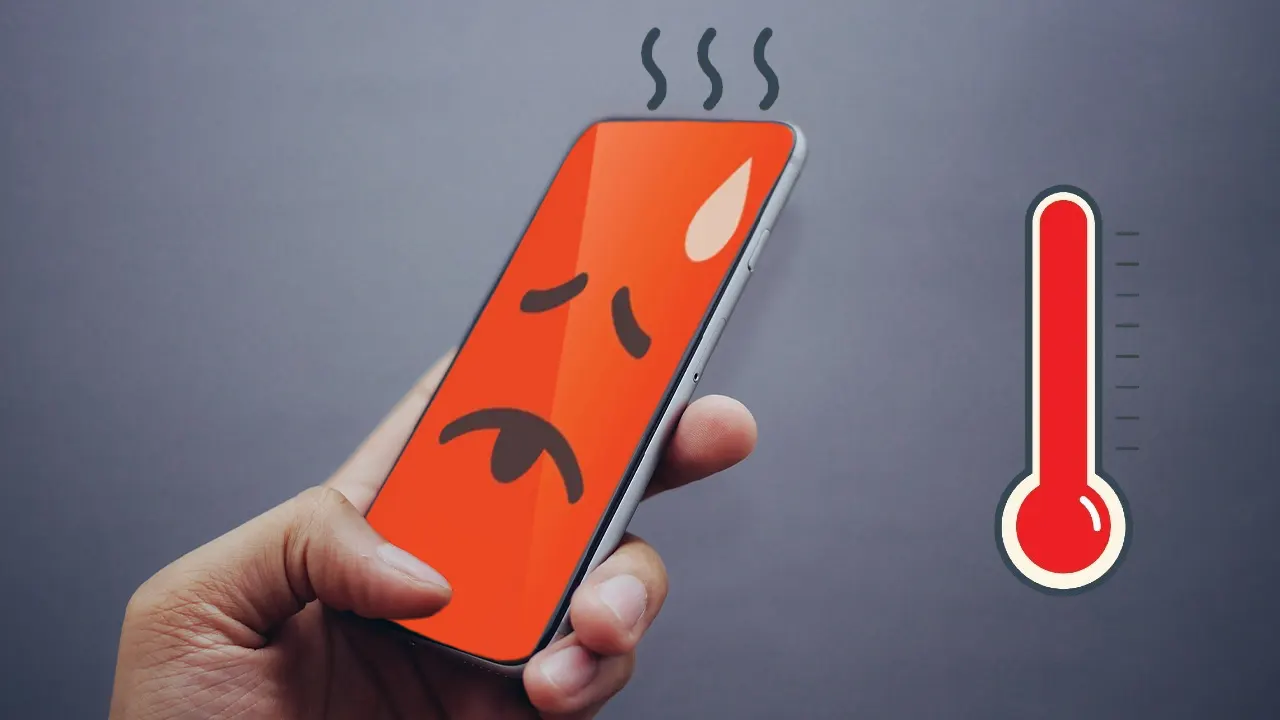
A phone that gets warm during gaming or video editing is usually expected. The real concern starts when it heats up during simple daily tasks like messaging, browsing, charging, scrolling social media, or making calls. Many people assume this means the phone is old or damaged, but in most cases, the cause is much simpler—and fixable.
Phone heating during normal use often comes from background apps, poor charging habits, weak signal strength, outdated software, overloaded storage, or battery strain. These small issues build up quietly and create constant pressure on the processor and battery, making the device warmer than it should be.
Excess heat does more than feel uncomfortable in your hand. It can slow performance, reduce battery lifespan, affect charging speed, and even cause sudden app crashes. Over time, regular overheating can shorten the overall life of the phone.
The good news is that most heating problems can be reduced without replacing the device or installing risky “cooling” apps. A few practical adjustments in daily use can make a noticeable difference. After applying the right habits and removing the real causes, many users find their phones stay cooler, charge better, and perform more smoothly throughout the day.
Why Phones Heat Up During Normal Use
Before fixing the issue, it helps to understand what causes it.
Your phone generates heat whenever the processor, battery, display, or network components work harder than usual. Even simple tasks can create excess heat if something keeps running in the background.
Too Many Background Apps
Many apps continue working even after you stop using them. Social media apps, messaging apps, cloud backups, location services, and email sync can stay active for hours.
This constant activity keeps the processor busy and increases battery usage, which creates heat.
Poor Charging Habits
Using the phone heavily while charging is one of the most common reasons for heating. Watching videos, gaming, or video calling while plugged in forces the battery and processor to work at the same time.
Cheap chargers can also create unstable power flow, increasing battery stress and temperature.
Weak Network Signal
When your phone struggles to maintain Wi-Fi, mobile data, or GPS connection, it works harder to stay connected. This is common in elevators, basements, rural areas, or crowded public spaces.
Weak signals often cause hidden heating problems because users do not realize network searching consumes significant power.
Brightness and Display Load
High screen brightness, always-on display settings, and long screen-on time increase power usage. On hot days, auto-brightness may push brightness to the maximum, which adds even more heat.
Outdated Software or Buggy Apps
Sometimes heating starts after a software update or after installing a specific app. Poorly optimized apps can drain battery and keep the CPU active continuously.
This often happens with poorly coded social media apps, battery saver apps, or unnecessary cleaner apps.
Simple Changes That Reduced Phone Heating
Most heating problems improved after fixing daily habits rather than changing hardware.
Stop Using the Phone While Charging
This created the biggest improvement.
Using navigation, watching videos, or scrolling social media while charging made the phone noticeably hotter. Once charging became a dedicated task instead of multitasking time, temperatures dropped significantly.
Better Charging Habits
Charge the phone on a hard, flat surface rather than a bed, sofa, or pillow. Soft surfaces trap heat and prevent airflow.
Avoid overnight charging if your phone stays warm for long periods. Modern phones manage charging better than before, but long heat exposure still affects battery health.
Use the original charger or a trusted certified replacement instead of cheap third-party chargers.
Reduce Background Activity
Many apps do not need to run constantly.
Checking battery usage often reveals surprising apps consuming power in the background. Shopping apps, social media platforms, and weather apps are common examples.
What to Adjust
Turn off background refresh for non-essential apps.
Limit location access to “While Using the App” instead of “Always.”
Disable auto-sync for apps that do not need instant updates.
Remove unused apps instead of simply ignoring them.
These small changes reduce processor load and battery drain throughout the day.
Lower Screen Stress
The display is one of the biggest battery users.
Keeping brightness at maximum all day creates unnecessary heat.
Smarter Display Settings
Use auto-brightness if it works well on your device, or manually keep brightness moderate indoors.
Reduce screen timeout so the display turns off faster.
Disable unnecessary live wallpapers and excessive widgets.
Use dark mode if your device has an OLED screen, as it may help reduce power usage slightly.
These adjustments improve both temperature and battery life.
Keep Storage from Getting Overloaded
Phones with nearly full storage often perform worse and may heat more because the system struggles with temporary files, updates, and background processing.
Storage Cleanup That Helps
Delete duplicate photos and old videos.
Remove unused downloads and large app files.
Clear unnecessary cached data—not constantly, but when storage becomes tight.
Keep at least 15–20% of storage free for smoother performance.
This improves responsiveness and reduces unnecessary strain.
Update Carefully, Not Blindly
Updates can fix heating issues, but sometimes a bad app update creates them.
What Worked Best
Keep system software updated from official settings.
Update important apps regularly, especially browser, messaging, and system apps.
If heating starts right after an app update, check reviews or temporarily uninstall that app to test.
Avoid random “phone booster” or “RAM cleaner” apps. Many of them actually create more background activity and worsen heating.
Improve Network Efficiency
Bad connectivity silently increases heat.
Small Network Fixes
Use strong Wi-Fi instead of weak mobile data when possible.
Turn off Bluetooth, GPS, and hotspot when not needed.
Switch airplane mode briefly in poor signal areas instead of forcing constant network searching.
Restart the phone occasionally to refresh network processes.
This helps more than many users expect.
Common Mistakes That Make Phone Heating Worse
Many people try quick fixes that actually increase the problem.
Closing All Apps Constantly
Force-closing every app repeatedly can make the system work harder because the phone must reopen them from scratch.
It is better to manage background permissions rather than aggressively closing everything.
Installing “Cooling Apps”
Most phone cooling apps do not physically cool anything. They usually just close background apps or show ads.
Some create more battery drain than they solve.
Using Cheap Chargers
Low-quality chargers may cause unstable charging speed, battery stress, and long-term battery damage.
Saving a little money here often creates bigger repair costs later.
Ignoring Battery Health
Older batteries generate more heat, especially after years of charging cycles.
If battery drain is severe along with heating, battery replacement may be more effective than software fixes.
Leaving the Phone in Direct Sunlight
A phone left in a car, near a window, or under direct sunlight heats quickly even without heavy use.
External heat plus internal processing creates much faster overheating.
Expert Recommendations for Long-Term Cooling
Short-term fixes help, but consistent habits matter most.
Build a Weekly Maintenance Routine
A simple weekly check prevents many heating problems.
Quick Weekly Checklist
Review battery usage
Delete unused apps
Check available storage
Restart the device
Install pending security updates
Inspect charging cable’s condition.
This takes only a few minutes but helps maintain long-term performance.
Watch for Battery Warning Signs
Heating combined with these symptoms may suggest battery wear:
Fast battery drain
Unexpected shutdowns
Slow charging
Battery percentage jumping suddenly
Phone getting hot while idle
If these signs appear together, professional battery replacement is often safer than continuing daily use.
Avoid Heavy Cases During Charging
Some thick protective cases trap heat, especially during fast charging.
If the phone gets unusually warm while charging, removing the case temporarily can help airflow.
Choose Performance Over Fake Optimization
Reliable settings adjustments always work better than aggressive “booster” apps.
Focus on system settings, trusted charging habits, and app management rather than shortcut apps promising instant fixes.
Before vs After: What Usually Changes
Before improving daily habits, common signs include:
The phone feels warm during browsing
Charging becomes slow
The battery drains faster than expected
Apps freeze randomly
Camera performance slows down
After proper adjustments, most users notice:
Cooler charging sessions
More stable battery life
Smoother everyday performance
Less lag during multitasking
Reduced background battery drain
The difference is often gradual but very noticeable within a few days.
Troubleshooting If Heating Still Continues
Sometimes the issue needs deeper checking.
Test Safe Mode
Safe Mode helps identify whether third-party apps are causing the problem.
If heating disappears in Safe Mode, one installed app is likely responsible.
Check Battery Health
Some phones provide battery health information directly in settings. If not, professional service centers can test it safely.
Avoid unofficial battery diagnostic apps that request unnecessary permissions.
Reset Only as a Last Step
A factory reset should not be the first solution.
Use it only after backups are complete and after testing apps, storage, and battery condition first.
Many users reset too early when the issue is actually a charger or battery problem.
Frequently Asked Questions
Is it normal for a phone to get warm during charging?
Yes, mild warmth during charging is normal, especially with fast charging. It becomes concerning if the phone gets very hot, slows dramatically, or remains hot long after charging finishes.
Does dark mode reduce phone heating?
It can help slightly on OLED screens because darker pixels use less power. The effect is small, but combined with lower brightness, it can improve battery efficiency.
Should I close all apps every day?
No. Constantly force-closing apps can create more processor work. Managing background permissions is more effective than manually closing everything.
Can a bad battery cause overheating?
Yes. Older or damaged batteries often produce excess heat, especially during charging or light use. If heating is combined with fast battery drain, the battery may need replacement.
Are fast chargers harmful for phone temperature?
Fast charging naturally creates more heat than standard charging, but official certified chargers are generally safe. Problems usually come from poor-quality chargers or using the phone heavily while charging.
Final Conclusion
Phone heating during normal daily use usually does not mean the device is failing. In most cases, it comes from small habits that quietly increase battery strain and processor workload—background apps, poor charging routines, weak signals, overloaded storage, or unnecessary display stress.
The most effective solution is not downloading another “cooling app,” but improving the way the phone is used every day. Charging more carefully, managing background activity, keeping storage healthy, and paying attention to battery behavior often solve the problem faster than people expect.
A cooler phone performs better, charges more safely, and lasts longer. Small adjustments made today can prevent bigger battery and performance issues later, making the device more reliable for everyday use.