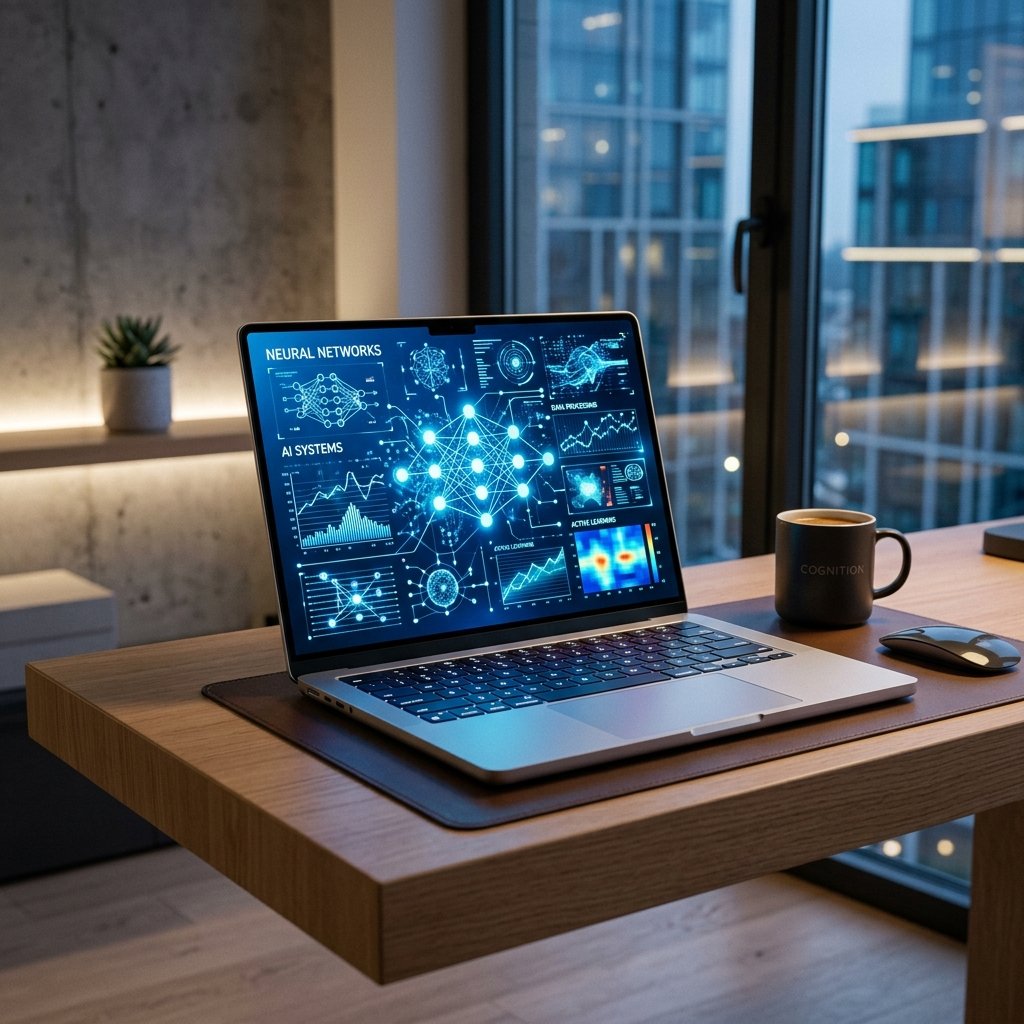
In the last few years the definition of a powerful computer has changed dramatically. Once, consumers rated a device on clock speed, RAM, and storage capacity alone. We are talking today about artificial intelligence and the ability of a device to anticipate consumer needs. Today’s computers use special-purpose hardware, called neural processing units, to do sophisticated machine learning tasks right on the device, instead of on servers in the cloud.
This hardware progression delivers artificial intelligence to your fingers. Operating systems have advanced algorithms included by manufacturers that make ordinary operations effortless. A laptop with artificial intelligence that actively learns your schedule, adapts its power consumption to your current programs, and protects your privacy when you glance away from the screen.
Knowing these innovations will help buyers make informed choices when upgrading their technology. Artificial intelligence has moved beyond being a niche topic for data scientists. It’s the heart of portable computing, and it directly affects your battery life and how quickly your apps open. The incorporation of artificial intelligence causes a major change from reactive machines to proactive helpers.
The AI Effect: How AI Extends the Life of Laptops
Battery anxiety has been a fear for mobile workers since the dawn of the portable computer. Artificial intelligence solves this problem by dynamically optimizing performance. Laptops of today keep tabs on your app usage in real time, figuring out which programs need all the processing power they can get and which ones are happy to operate in the background. Instead of running the CPU at full speed all the time, the system assigns resources where they are needed.
This clever resource management can considerably prolong battery life. When you type a document, the OS will dim background processes and lower the refresh rate of the display. Launch a heavy video editing app and your system will immediately spin up the processor and cooling fans to keep everything running smoothly. The software can also learn your daily patterns and predict when you normally plug in your device, then optimize charging cycles to preserve the long-term health of the physical battery cell.
Enhanced Laptop Security and Privacy with AI Features
Digital security is an ongoing battle, and artificial intelligence is an invisible shield for the user on the street. Facial recognition technology uses advanced machine learning algorithms to analyze the unique shapes of your face, giving you quick access without having to punch in a password. The computers learn from how your appearance changes, so you won’t get shut out if you put on glasses or grow a beard.
Privacy features extend well beyond the first login screen. Some of the current electronics have artificial intelligence-powered presence detection sensors. Once it senses that you have walked away, the laptop automatically blurs the screen or locks the device altogether. These smart systems also can determine whether a person is standing behind you peering over your shoulder. The screen automatically hides vital information until the uninvited viewer backs away, keeping your data safe in crowded coffee shops and airport terminals.
What AI Tools Make for a Better User Experience?
Localized machine learning algorithms greatly enhance the daily user experience. Today, video conferencing software uses hardware-level artificial intelligence to control the background noise and visual display. For example, Microsoft’s Windows Studio Effects use the laptop’s Neural Processing Unit to auto-frame your face, wipe out cluttered backdrops, and entirely block out the sound of a barking dog or screaming infant.
Intelligent software assistants take personalization to new heights. Built-in features learn which windows you like to have open for certain tasks and automatically set up your digital workspace when you plug in an external display. AI also assists with accessibility, providing live captioning for any audio playing through the device and extremely accurate voice-to-text dictation. The operating system learns your voice and language, so hands-free typing is faster and more dependable than before.
How AI Is Going to Change Creativity and Productivity
Artificial intelligence is helping creative workers automate the boring manual tasks in their workflows. Localized machine learning in photo editing apps immediately masks out subjects, removes extraneous items in the background, and upscales low-res photographs without losing vital detail. Modern laptops handle these commands on the device, not transferring them to a remote server, so creators have zero lag and can work completely offline.
Similar technology is being used to summarize extensive email chains, draft routine responses, and organize messy spreadsheets in productivity tools. The virtual assistants that are embedded directly into the operating system can search for files using natural language, not strict file names. You may tell your computer to find the presentation you were working on last Tuesday with the title slide in blue, and it will find it in an instant.” This kind of semantic search saves many hours lost to digital disorganization.
What’s the Future of AI in Portable Computing?
Portable computing’s next generation will be one that takes artificial intelligence deeper into the heart of the hardware architecture. We expect to see operating systems that reconfigure their own interfaces to the task you are attempting to complete. Open a financial paper and the laptop might instantly pop up necessary math tools, historical market data, and communication apps related to your financial team.
Hardware vendors are still pushing the power of dedicated neural processing units. As local processing grows in power, laptops will execute huge language models totally on-device, and data privacy will become a given for enterprise users. The future is one of true collaboration between user and machine, where the laptop is an active, committed collaborator that offers its own answers rather than waiting for input from the keyboard.
Conclusion
Changing to a smart laptop is a game-changer for how you engage with the digital world. Concentrate on the job important to you with optimized battery life, improved privacy controls, and proactive software tools. No need to control system settings or worry about deactivating background apps to save battery.
If your existing device can’t handle the rigors of modern video conferencing or can’t survive a cross-country trip, it’s time to consider devices with dedicated artificial intelligence technology. Check out the new models with neural processing units and see the clever features in action. Incorporating these advanced features into your workflow will help you to work more efficiently and increase your productivity on a daily basis.
FAQs
1. What is an NPU (Neural Processing Unit) in a modern laptop?
Neural Processing Unit A neural processing unit is a dedicated hardware component specifically built for processing machine learning and artificial intelligence. It does these jobs far more effectively than a regular central processing unit, saving battery life and freeing system resources for other activities.
2. Can I utilize AI functions on my laptop without connecting to the internet?
There are plenty of new AI features that work locally, using the laptop’s own hardware to process the data, so you don’t need to be connected to the internet. Things like background blur for local cameras, noise suppression, and on-device photo upscaling operate properly while fully offline.
3. How can artificial intelligence actually enhance the battery life of my laptop?
Yes, artificial intelligence can improve the life of the battery by dynamically altering the power distribution depending on your activity. It restricts power to background apps you never use and reduces display refresh rates when reading static text, greatly curbing overall energy consumption.
4. Are laptop AI security features safe to use?
Security technologies such as facial recognition and presence detection handle your biometric data locally on the device’s secure hardware enclave. It doesn’t send your data to the cloud; thus, it’s a very secure way to protect your sensitive information from unauthorized access.
5. What professionals love AI-powered laptops the most?
Everyone benefits from longer battery life and crystal-clear video calls, but the biggest productivity advantages are seen by content creators, data analysts, and power multitaskers. Artificial intelligence accelerates rendering for video editors and automates data sorting for business executives.