
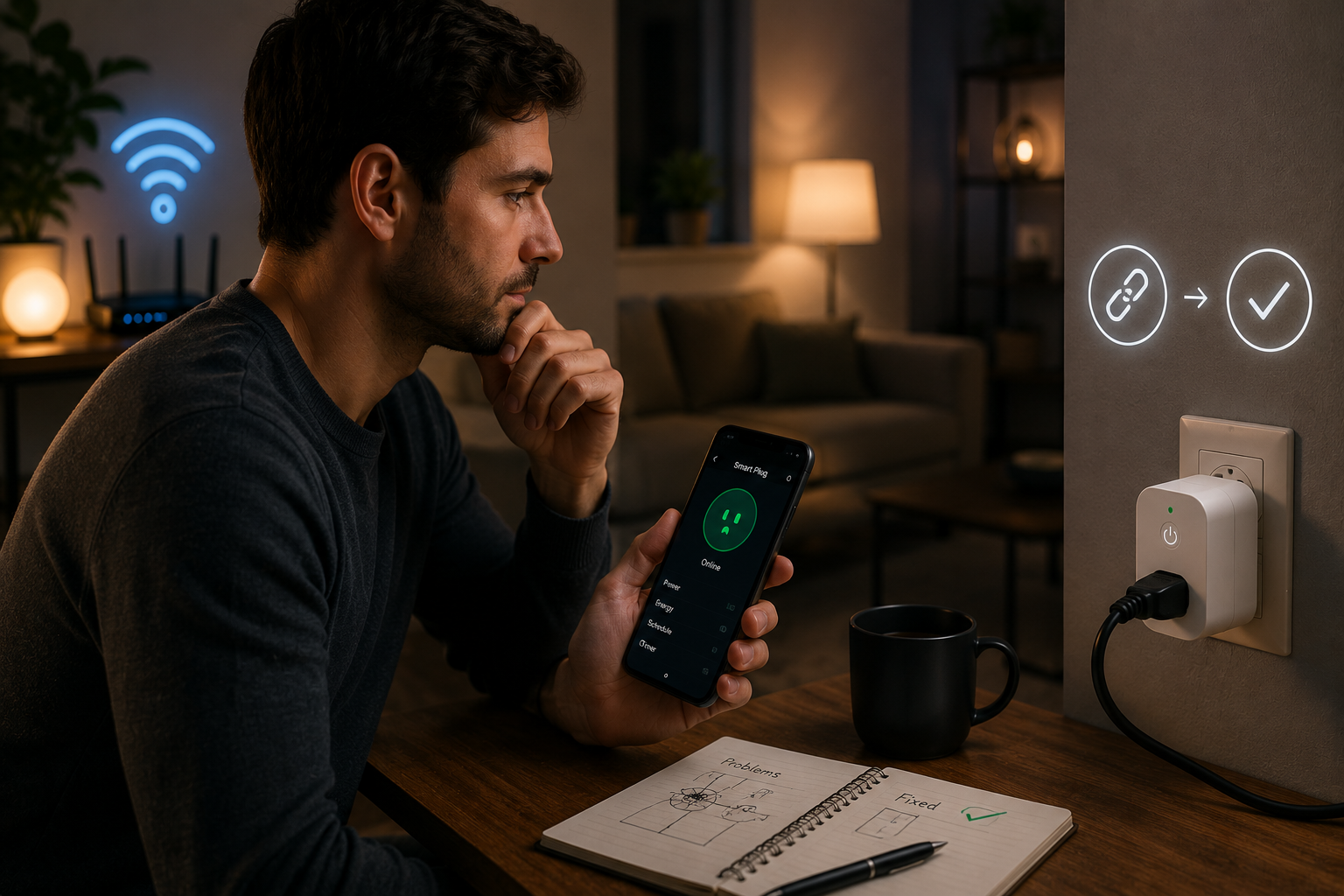
Smart plugs look simple. You plug them in, connect them to Wi-Fi, and suddenly, lamps, chargers, coffee machines, or small appliances become easier to control. They are often the first smart home device people buy because they feel affordable, useful, and straightforward to set up.
That simplicity can be misleading.
Many users quickly run into frustrating issues: the smart plug shows offline in the app, schedules stop working, voice assistant commands fail, or the device disconnects every few days for no obvious reason. The plug itself looks fine, the internet seems fast, and yet reliability becomes a constant problem.
At first, it is easy to blame the device and assume the plug is low quality. Occasionally that is true, but more often the real issue comes from setup mistakes, weak Wi-Fi habits, poor placement, or network settings that smart plugs handle badly.
After fixing repeated connection problems with smart plugs, one lesson becomes clear: stability matters more than speed, and small adjustments often solve what expensive replacements cannot.
This guide explains the practical lessons learned from troubleshooting frequent smart plug connection problems, what actually worked, what failed, and how to create a setup that stays reliable over time.
The First Mistake: Assuming Internet Speed Was the Problem
When smart plugs disconnect, many people immediately think they need faster internet.
That is usually the wrong starting point.
Smart Plugs Use Very Little Bandwidth
Unlike streaming devices or laptops, smart plugs do not need high-speed internet.
They mainly send small control signals like the following:
- turning devices on and off
- reporting power status
- following schedules
- responding to app commands
- connecting to voice assistants
The amount of data is minimal.
What they need is:
- stable Wi-Fi
- strong signal quality
- consistent router communication
- predictable reconnect behavior
Fast downloads do not guarantee any of these benefits.
Stability Solved More Than Speed Ever Did
Even homes with premium internet plans can have unreliable smart plugs if the Wi-Fi environment is weak.
The focus should be on signal quality, not speed test numbers.
Router Placement Changed More Than Replacing Devices
One of the biggest improvements came from moving the router, not replacing the smart plug.
Why Placement Matters So Much
Many routers are placed in poor locations, such as
- behind televisions
- inside closed cabinets
- near microwaves
- beside thick concrete walls
- on the floor in a corner
This arrangement creates weak and inconsistent coverage.
Smart plugs often sit near walls, appliances, and furniture, which already makes connections harder.
A badly placed router makes the problem worse.
What Worked Better
Moving the router to:
- a higher shelf
- a more central room
- an open area away from metal surfaces
improved reliability immediately.
The difference was noticeable before changing any settings.
Understanding 2.4GHz Solved Repeated Pairing Failures
This was one of the most important lessons.
Most Smart Plugs Prefer 2.4GHz Wi-Fi
Many smart plugs are built specifically for 2.4 GHz networks because they offer
- better wall penetration
- longer range
- stronger stability across rooms
They often struggle with 5GHz connections or mixed network setups.
Why Setup Failed Before
When the phone used for setup was connected to 5 GHz and the plug expected 2.4 GHz, pairing often failed or created unstable performance.
This caused:
- Repeated setup errors
- sudden offline status
- failed voice assistant linking
The Better Approach
Using:
- 2.4GHz for smart plugs
- 5GHz for laptops and phones when needed
created much more reliable results.
This solved more issues than resetting the plug multiple times.
Device Placement Matters More Than Most People Expect
The plug itself can be in the wrong place even when the room seems fine.
Problem Areas for Smart Plugs
Weak connection zones often include:
- garages
- kitchens near large appliances
- outdoor wall sockets
- basement outlets
- rooms separated by thick walls
Even one bad location can create repeated disconnects.
Test Before Depending on Automation
Before trusting schedules or remote control:
- test manual response speed
- Check app stability
- Verify reconnection after power loss
This step prevents unreliable daily routines later.
Too Many Old Devices on the Network Created Confusion
The problem was not always the smart plug itself.
Occasionally the network was simply too messy.
Forgotten Devices Create Silent Problems
Common examples include:
- old phones still connected
- unused tablets
- abandoned smart bulbs
- guest devices from months ago
- old streaming boxes
These increase clutter and make troubleshooting harder.
Cleaning the Network Helped
Removing unnecessary connected devices improved the following:
- router performance
- device visibility
- easier problem diagnosis
- better long-term stability
A cleaner network is easier to manage and trust.
Power Strips and Electrical Habits Also Affected Reliability
This part is often ignored.
Smart Plugs Do Not Always Work Well Everywhere
Using smart plugs on:
- overloaded power strips
- unstable extension cords
- poorly connected wall sockets
can cause strange behavior.
This issue includes:
- random disconnections
- failed restarts
- delayed response times
Better Practice
Direct wall connection is usually safer when possible.
If extension use is necessary, quality matters.
Cheap electrical setups create hidden smart home problems.
App Permissions and Notifications Need Review Too
Connection issues are not always network issues.
Sometimes the app itself causes problems.
Background Restrictions Can Break Reliability
Phones with aggressive battery-saving settings may limit:
- background app refresh
- notification delivery
- remote status updates
This feature makes the plug appear offline even when it is not.
Notification Overload Creates False Troubleshooting
Too many low-value alerts from smart home apps make real problems harder to notice.
Only important alerts should stay active.
This improves both focus and device management.
Step-by-Step Troubleshooting That Actually Worked
Random resets waste time.
A better process solves problems faster.
Step 1: Confirm Router Placement
Fix signal strength before blaming the device.
Step 2: Check 2.4 GHz Compatibility
Make sure the smart plug uses the right network.
Step 3: Remove Old Device Clutter
Simplify the network before adding more devices.
Step 4: Test the Plug in Another Outlet
Location problems are common.
Step 5: Review App Settings and Permissions
Some failures start on the phone, not the plug.
Step 6: Reset Only After Real Diagnosis
A factory reset should be a final step, not the first one.
This saved far more time than repeated trial-and-error resets.
Common Mistakes That Make Smart Plug Problems Worse
Many issues come from habits that seem harmless.
Buying a New Plug Too Quickly
Replacing hardware before checking Wi-Fi often wastes money.
Using Mixed Wi-Fi Settings Without Understanding Them
Not separating 2.4GHz and 5GHz causes repeated confusion.
Ignoring Router Maintenance
Old firmware and unstable router behavior affect everything.
Placing Smart Plugs in Weak Signal Areas
Convenient outlet placement is not always good network placement.
Forgetting That Cheap Accessories Can Cause Expensive Problems
Low-quality power strips and unstable extension cords create unnecessary failures.
Expert Recommendations for Long-Term Smart Plug Reliability
Reliable smart home setups come from systems, not luck.
Keep Smart Automation Simple
Too many unnecessary schedules create confusion.
Reliable routines work better than complicated ones.
Label Important Devices Clearly
Naming plugs like
Bedroom Lamp
Coffee Machine
Office Charger
makes management much easier than generic labels.
Review Connected Devices Monthly
Old devices should not stay on the network forever.
Prioritize Reliability Over Features
A plug that turns on consistently is better than one with advanced features that disconnect constantly.
Smart homes should reduce stress, not create it.
FAQs
Why does my smart plug keep going offline?
The most common reasons are a weak Wi-Fi signal, incorrect use of 5GHz instead of 2.4GHz, poor router placement, or unstable outlet placement.
Do smart plugs need fast internet?
No. They use very little bandwidth. Stable signal strength matters much more than internet speed.
Should smart plugs always use 2.4GHz?
In most cases, yes. Many smart plugs are designed specifically for 2.4 GHz because it offers better range and stronger wall penetration.
Can a power strip cause smart plug problems?
Yes. Low-quality power strips or overloaded extension setups can cause unstable behavior and connection failures.
Is factory resetting the smart plug the best first step?
Usually no. It is better to verify Wi-Fi setup, router placement, and network conditions first before resetting the device.
Final Conclusion
Simply buying new hardware rarely solves frequent smart plug connection problems.
Most issues arise from overlooked basics—poor router placement, wrong Wi-Fi frequency, crowded networks, weak outlet locations, and rushed setup habits.
Once those areas are fixed, even affordable smart plugs can become surprisingly reliable.
The biggest lesson is simple: smart devices depend more on stable systems than expensive upgrades.
A strong smart home starts with better planning, not bigger spending.
When the network is cleaner, the signal is stronger, and device placement makes sense, smart plugs stop feeling unreliable and start doing what they were meant to do—quietly making daily life easier.