
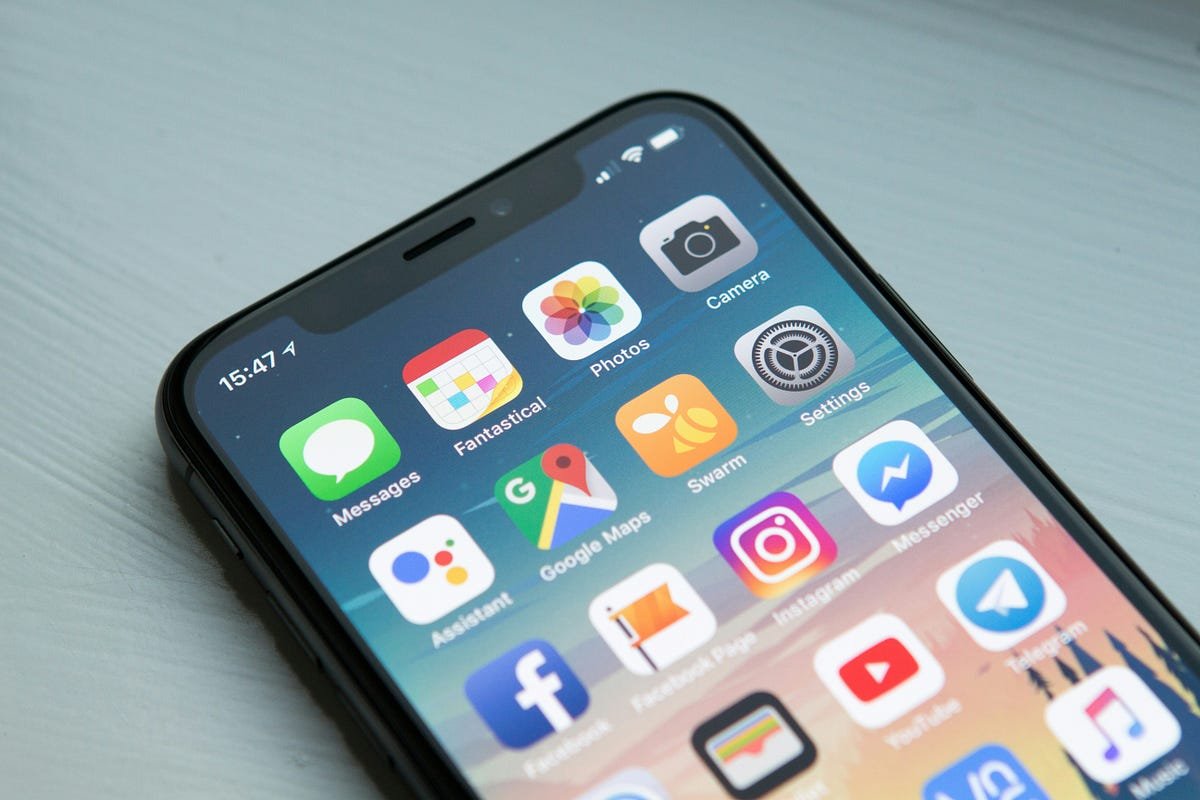
My phone never looked overloaded at first glance. It worked, it turned on quickly, and most of the apps seemed harmless. But over time, small problems started adding up—constant notifications, low storage warnings, shorter battery life, and the strange habit of unlocking the phone without knowing exactly why.
The issue was not one bad app. There were too many unnecessary apps quietly competing for attention.
Shopping apps from one-time purchases, food delivery apps used once a month, duplicate note apps, trial fitness tools, forgotten games, and social platforms opened mostly from habit had slowly taken over the device. Each one looked small on its own, but together they created clutter, distraction, and mental fatigue.
Removing half the apps from my phone was not about extreme minimalism. It was a practical test to see what would happen if the device only kept what was genuinely useful.
The results were more noticeable than expected. The phone felt calmer, daily routines became simpler, and even productivity improved without downloading a single new app.
This article explains what changed, what mistakes happened during the cleanup, and how a simpler phone setup can improve focus, privacy, and everyday digital habits.
The Real Problem Was Not Storage—It Was Attention
Most people think that too many apps only create storage issues. That is only part of the problem.
The bigger issue is attention.
Every installed app has the potential to interrupt.
- notifications
- badges on the home screen
- background refresh
- location requests
- promotional alerts
- visual temptation to open it “just for a minute.”
Even unused apps create mental noise.
Why App Clutter Builds So Fast
App overload rarely happens in one week. It builds slowly.
A travel app gets downloaded for one trip. A shopping app gets installed for a discount. A free trial app stays after the trial ends. A second productivity app gets added instead of improving habits with the first one.
Months later, the phone is full of digital leftovers.
Most people do not notice the problem until the phone starts feeling stressful instead of helpful.
The First Audit: Looking at What Was Actually Being Used
Before deleting anything, I checked what the phone was really doing.
That part was surprisingly useful.
Screen Time Told a Different Story
It is easy to assume certain apps are “important” simply because they are familiar.
Screen time reports showed something else:
- Some apps were barely opened for weeks
- Others were opened repeatedly without a real purpose
- Notification-heavy apps were creating more interruptions than value
- background battery usage, exposed apps I rarely touched
The data made decisions easier because it removed guesswork.
One Question That Made Cleanup Simple
For every app, I used one rule:
“If this app disappeared today, would I install it again?”
If the honest answer was no, it probably did not deserve permanent space.
This helped remove emotional attachment to old downloads.
The First Apps That Went
Some apps were easy to remove immediately.
Others required more thought.
One-Time Purpose Apps
These were the simplest:
- airline apps from old trips
- hotel booking apps
- event ticket apps
- temporary work access apps
- shopping apps for single purchases
Most had not been opened in months.
They were simply leftovers.
Duplicate Tools
This category was bigger than expected.
There were:
- two weather apps
- multiple note apps
- extra photo editors
- duplicate file management tools
- more than one scanning app
Keeping one reliable option for each task made the phone feel instantly cleaner.
Low-Value Entertainment Apps
These were harder because they were tied to habit.
Short-video platforms, endless browsing apps, and random scrolling apps were not “necessary,” but they had become automatic.
Removing these created the biggest change in daily behavior.
What Improved Almost Immediately
The biggest surprise was how fast small improvements became noticeable.
Not dramatic changes—practical ones.
Those matter more.
A Cleaner Home Screen Changed Daily Behavior
The first visible improvement was visual calm.
Instead of several crowded pages full of icons, only useful tools stayed visible:
- messages
- calendar
- reminders
- maps
- banking
- camera
- notes
- reading apps
This changed how often the phone was unlocked without purpose.
There was less random tapping simply because fewer distractions were waiting.
Better Morning and Evening Routines
Without entertainment apps sitting directly on the first screen, mornings felt less reactive.
Checking the calendar or notes became easier than opening social apps first.
At night, fewer visual triggers reduced late-night scrolling.
This helped more than any screen-time reminder.
Battery Life Improved Without Any Special Tricks
People often search for battery-saving apps while ignoring the real cause: too many background processes.
Several removed apps were constantly active through the following:
- location access
- push notifications
- syncing
- media refresh
- promotional alerts
After the cleanup, the standby battery life improved noticeably.
The phone needed less attention simply because fewer apps were demanding it.
Storage Warnings Became Rare
Low-storage alerts had become normal.
After removing old apps, updates became smoother, photo backups stopped failing, and downloads no longer created immediate frustration.
The device felt lighter because it actually was lighter.
What I Removed Too Quickly
Not every decision was perfect.
A few mistakes made the second round much smarter.
Deleting Before Backing Up Data
Some apps stored notes, saved payment details, or account records that had not been exported.
That created unnecessary recovery work.
Before deleting:
- check saved files
- confirm cloud sync
- verify account access
- review subscription details
Cleanup should never create avoidable problems.
Removing Useful Tools Instead of Fixing Habits
At one point, I deleted a reading app because I assumed it was “just more screen time.”
That was the wrong decision.
The real issue was mindless scrolling elsewhere.
Useful apps are not the enemy. Poor usage patterns are.
The goal should be better digital behavior, not aggressive deletion.
Rebuilding the Phone Around Useful Habits
Deleting apps helps, but organization matters just as much.
A cleaner phone can become cluttered again quickly without better structure.
The Home Screen Should Reflect Priorities
The first screen should answer one question:
“What do I genuinely need every day?”
Usually that includes:
- communication
- planning
- work tools
- finances
- health tracking
- navigation
Not impulse entertainment.
Entertainment Apps Need Distance
Streaming, shopping, and optional social apps do not always need deletion.
Sometimes they simply need friction.
Moving them to a secondary screen or a clearly named folder reduces automatic opening.
That small pause changes behavior more than expected.
A Practical 7-Step App Cleanup System
Deleting apps randomly creates regret.
A better system works step by step.
1. Review Screen Time First
Start with facts, not assumptions.
Look at:
- most used apps
- battery drain
- notification volume
- background activity
2. Remove One-Time Apps
These are usually the safest first decisions.
3. Eliminate Duplicate Tools
Keep the best version, remove the rest.
4. Review Social and Browsing Apps Honestly
Ask whether they support life or mainly consume attention.
5. Fix Permissions and Notifications
Even apps that stay installed should not have unlimited access.
6. Rebuild the Home Screen
Make useful actions easier than distracting ones.
7. Recheck After Two Weeks
Some apps only prove unnecessary after normal life continues without them.
The second review is often where the real progress happens.
Common Mistakes People Make During App Cleanup
Most cleanup failures happen because people focus only on deletion.
The smarter goal is intentional use.
Keeping Apps “Just in Case”
This is how clutter survives.
If something has not been used for months, it probably does not need permanent space.
Saving Passwords Poorly Before Deleting
Deleting an app without knowing how to access the account later creates frustration.
Account management should come before cleanup.
Reinstalling Out of Boredom
Many deleted apps return because the habit behind them never changed.
Replacing boredom patterns matters more than deleting icons.
Thinking Fewer Apps Automatically Means Productivity
Minimalism alone does not create focus.
The right tools matter more than the smallest number.
Professional Recommendations for Long-Term Simplicity
A clean phone should stay clean.
That requires maintenance, not motivation.
Review Installed Apps Every Few Months
Ask:
- Do I still use this?
- Does it solve a real problem?
- Is another app already doing this job?
This prevents slow clutter from returning.
Protect Privacy During Cleanup
Unused apps often still have access to:
- location
- contacts
- microphone
- camera
- files
- payment information
Removing them improves privacy as much as convenience.
Keep Fewer, Better Tools
One strong note app is better than four abandoned ones.
Consistency reduces friction.
Treat Attention as Your Most Valuable Resource
Storage space matters, but attention matters more.
The best result of removing apps is often mental clarity.
That benefit lasts longer than extra gigabytes.
Before and After: The Difference That Actually Matters
Before:
- crowded home screens
- constant notifications
- low battery confidence
- repeated mindless checking
- digital clutter
- unnecessary distraction during work
After:
- faster access to important tools
- fewer interruptions
- cleaner work sessions
- calmer evenings
- stronger control over screen time
- less mental fatigue
The biggest improvement was not technical performance.
It was feeling that the phone had become a tool again instead of a source of background stress.
Frequently Asked Questions
How many apps should a phone ideally have?
There is no perfect number. The better goal is relevance. Every installed app should serve a clear purpose instead of staying from old habits or one-time use.
Does deleting apps really improve phone performance?
Yes, especially when those apps use background syncing, heavy notifications, location tracking, or large storage space. The improvement depends on which apps are removed.
Should I delete all social media apps?
Not necessarily. Some people benefit more from moving them away from the first home screen and controlling notifications rather than deleting them completely.
What should I check before removing an app?
Review saved files, subscriptions, account access, passwords, payment details, and cloud backup status. Some apps store more important information than expected.
How often should I review installed apps?
Every two to three months works well. A simple seasonal review helps prevent unnecessary clutter from building again.
Final Thoughts
Removing half the apps from a phone sounds small, but it often changes much more than storage space.
Many daily frustrations—distraction, poor focus, battery drain, cluttered routines, and endless screen checking—come from having too many low-value apps quietly shaping behavior.
A better phone experience often comes from subtraction, not addition.
Keeping useful tools, removing unnecessary noise, improving app placement, and protecting attention creates a device that supports life instead of constantly interrupting it.
Sometimes the best upgrade is not a new phone.
It is finally deciding what no longer belongs on the one you already have.