
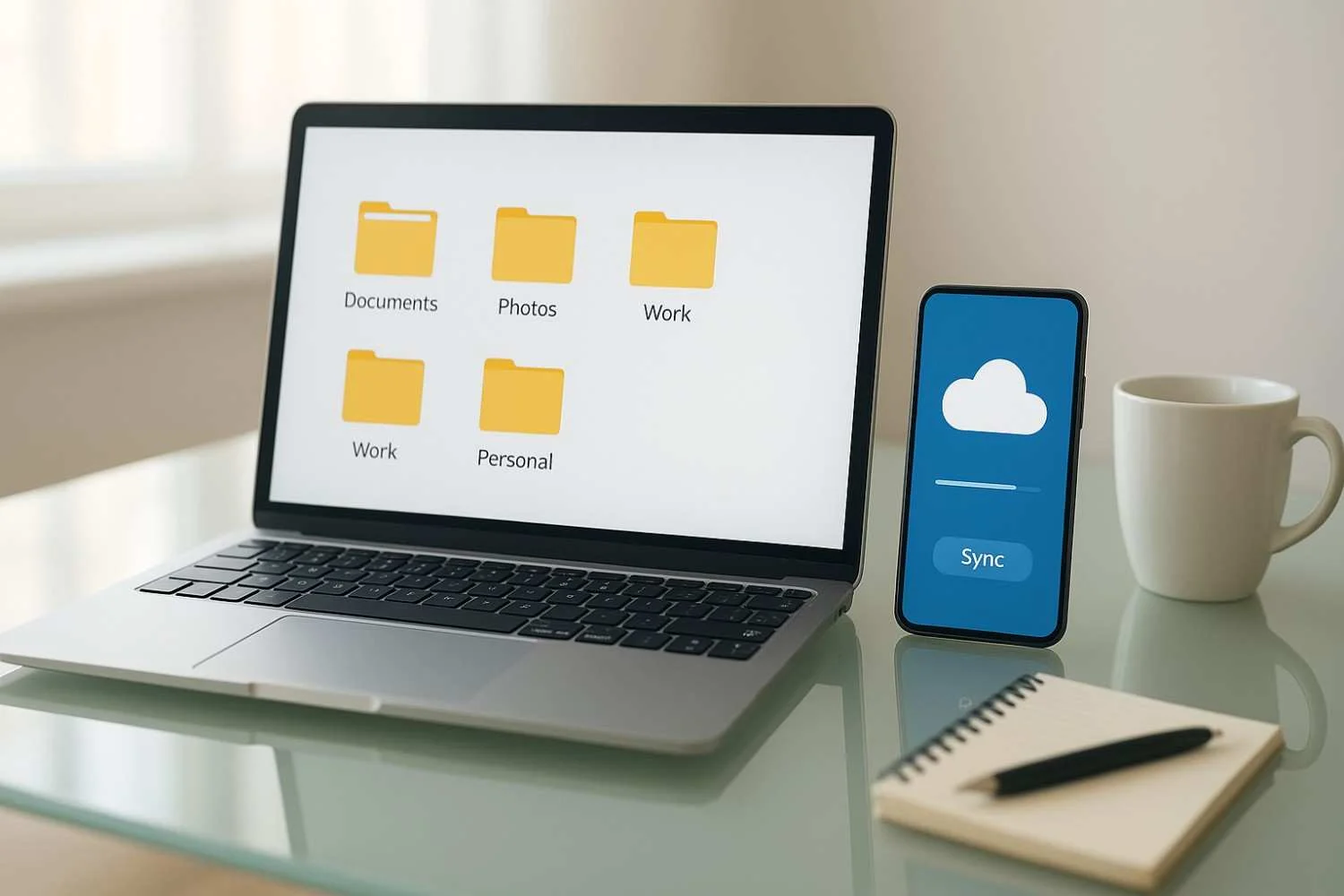
Cloud storage is supposed to make life easier, but for many people, it creates a different kind of mess. A file gets downloaded on the laptop, edited on the phone, saved again with a different name, and later nobody remembers which version is the correct one.
Photos end up in three folders, work documents are mixed with personal files, and important PDFs disappear inside random downloads. Every time someone needs to find something quickly, they waste time, repeat work, and feel frustrated.
The problem is rarely the cloud service itself. The real issue is poor file organization between devices.
When people use laptops and smartphones for work, personal tasks, and quick document access, they need a clear system. Without one, cloud storage turns into digital clutter instead of useful convenience.
A smart setup does not require complicated software or advanced technical skills. It depends on simple folder rules, better naming habits, safer syncing choices, and clear boundaries between personal and professional files.
This guide explains practical ways to organize cloud files between a laptop and smartphone so that documents stay easy to find, secure to access, and properly synced without confusion.
Why Cloud File Chaos Happens So Easily
Most cloud storage problems begin with convenience.
Someone quickly saves a screenshot to Downloads, uploads a PDF from a messaging app, edits a document on mobile, or shares a file directly from email without deciding where it should permanently live.
That works for one day.
After months of repeated shortcuts, the system breaks.
Common Signs of Poor Cloud Organization
You may already have this problem if:
- the same file exists in multiple folders
- Documents have names like “final-final-new.pdf.”
- work files and personal files are mixed
- phone downloads are never cleaned up
- important documents are difficult to find quickly
- shared folders create version confusion
The issue is rarely storage size. It is structured.
Why Smartphones Make It Worse
Phones encourage fast actions:
- quick downloads
- instant screenshots
- rushed uploads
- temporary file sharing
Without rules, mobile convenience creates long-term file disorder.
Start With One Clear Folder Structure
The best organizational system is the one you can follow consistently.
Complex folder systems usually fail because nobody maintains them.
Simple works better.
Use Broad Main Categories First
Instead of dozens of small folders, begin with clear top-level groups, such as
- Work
- Personal
- Finance
- Family
- Travel
- Photos
- Important Documents
- Temporary Downloads
These categories reduce decision fatigue.
Keep the Same Structure on Both Devices
The laptop and smartphone should follow the same logic.
If the laptop uses:
Work → Projects → Client Files
But the phone uses:
Documents → Random Uploads
Confusion returns immediately.
Consistency matters more than perfection.
Create a “Temporary” Folder on Purpose
One of the most useful changes is having a controlled place for unfinished files.
Why This Helps
Many files are not ready for permanent storage immediately.
Examples include:
- downloaded tickets
- screenshots for short-term use
- files shared from messaging apps
- scanned documents waiting for review
- temporary project references
Without a temporary folder, these files get dropped everywhere.
How to Use It Correctly
Create one folder called something simple, like
- Inbox
- Temporary
- To Sort
Review it weekly.
This prevents the Downloads folder from becoming permanent storage by accident.
Naming Files Properly Saves More Time Than Expected
Bad file names create more confusion than most people realize.
Avoid Generic Filenames
Examples like:
- document1
- scan
- image-final
- new version
- screenshot123
become useless later.
Use Simple Naming Rules
A better structure looks like:
ProjectName_Date_Version
Examples:
- TaxRecords_2026_April
- ClientProposal_March_2026
- HomeInsurance_Renewal_2026
This works across both phones and laptops without needing memory tricks.
Consistency beats creativity.
Clear names matter more than clever ones.
Future you should understand the file instantly.
Separate Personal and Work Files Strictly
Mixing everything creates mistakes and privacy risks.
This becomes especially important when files are shared quickly from mobile devices.
Why Separation Matters
Common problems include:
- sending personal files from a work folder
- uploading the wrong attachment
- missing deadlines because files were saved in the wrong place
- accidental sharing of sensitive documents
Professional and personal storage should not rely on memory alone.
Practical Separation Options
Use:
- separate folders
- separate cloud accounts where necessary
- separate email accounts for uploads and sharing
The right choice depends on workflow, but boundaries should be clear.
Sync Only What Actually Needs Syncing
Many people try to sync everything automatically.
That often creates more problems than benefits.
Full Sync Can Create Clutter
If every download, screenshot, and duplicate file syncs across every device, the mess spreads faster.
Not every file deserves permanent cloud space.
Choose Priority Folders
Best candidates for active syncing:
- work documents
- important personal records
- finance files
- ID backups
- family documents
- project folders
Less important folders can stay local until needed.
Selective syncing improves both clarity and storage control.
Protect Important Files With Better Security
Cloud organization is not only about convenience. It also affects privacy and safety.
Sensitive Files Need Stronger Protection
Examples include:
- tax records
- contracts
- banking documents
- ID scans
- insurance papers
- medical records
These should never be treated like ordinary downloads.
Smart Security Habits
Use:
- strong, unique passwords
- two-factor authentication
- trusted device access only
- regular account review
- limited sharing permissions
Good organization supports better security because important files are easier to protect when they are easy to identify.
Make Smartphone Uploads Cleaner
Most file disorder starts on the phone.
That is where quick habits matter most.
Review Downloads Weekly
Phones collect:
- PDFs from messaging apps
- random screenshots
- saved invoices
- temporary images
- duplicate documents
Without cleanup, the device becomes a second filing problem.
Stop Saving Everything to the Gallery
Many documents should go directly into folders, not into the photo gallery.
Invoices, scanned IDs, and work documents become harder to manage when mixed with personal photos.
Scan With Destination in Mind
Before scanning a document, decide where it belongs.
Storage decisions should happen first, not later.
A Simple Weekly Maintenance Routine
Good organization is easier to maintain than to rebuild.
Five minutes weekly prevents hours of future frustration.
Weekly Checklist
Review:
- temporary folder
- downloads folder
- shared files
- duplicate versions
- recent uploads from mobile
- outdated screenshots
Delete what is unnecessary.
Move what matters.
Monthly Security Review
Check:
- sharing permissions
- old shared links
- unused folder access
- backup status
- password updates for important accounts
Organization and security should work together.
Common Mistakes That Create Cloud File Confusion
Most file problems come from small habits repeated often.
Saving Everything to Downloads
Downloads should be temporary, not permanent storage.
Creating Too Many Tiny Folders
Over-organization becomes its own problem.
If finding the right folder takes too long, people stop using the system.
Using Inconsistent File Names
Without naming rules, search becomes unreliable.
Syncing Everything Automatically
This spreads clutter instead of solving it.
Ignoring Shared Folder Ownership
When multiple people edit files without clear responsibility, version confusion becomes inevitable.
Someone should always know which version is final.
Better Long-Term Habits for Cloud File Management
Good systems last because they are practical.
Not because they are perfect.
Decide Where Files Belong Immediately
The longer a file stays “temporary,” the more likely it is to get lost.
Small decisions made early save major cleanup later.
Keep One Trusted Cloud Platform for Core Files
Using too many storage services creates fragmentation.
One main platform for important documents is usually easier than spreading files across several apps.
Archive Instead of Hoarding
Not every file needs daily visibility.
Old projects, paid invoices, and completed records can move to an archive folder instead of cluttering active folders.
Treat Search as Backup, Not Strategy
Search tools help, but they should not replace organization.
If every file depends on memory and search terms, the system is fragile.
Before and After: What Usually Changes
Before organizing cloud files:
- Repeated file duplication,
- lost documents
- version, confusion
- messy phone downloads
- wrong attachments sent by mistake
- slower work because files take too long to find
After building a clear system:
- faster file access
- cleaner syncing between devices
- fewer mistakes during sharing
- stronger privacy control
- better backup reliability
- less mental clutter during daily work
The biggest improvement is confidence.
You stop guessing where things are.
You know.
FAQs
Should I use one cloud account for everything?
Not always. Many people benefit from separating personal and work files, especially for privacy and professional boundaries. The goal is clarity, not necessarily more accounts.
Is automatic sync always better?
No. Syncing everything can create duplicate clutter across devices. Selective syncing is often more practical and easier to manage.
What is the best folder structure for beginners?
Start simple: Work, Personal, Finance, Family, Photos, Important Documents, and Temporary. Add complexity only when it becomes necessary.
How often should I clean cloud storage?
A quick weekly review works well for downloads and temporary folders. A deeper monthly review helps with security, permissions, and archive cleanup.
Should screenshots stay in cloud storage?
Only if they serve a real purpose. Most temporary screenshots should be deleted regularly instead of becoming permanent clutter.
Final Thoughts
Cloud storage should reduce stress, not create another layer of digital confusion.
When files move constantly between laptops and smartphones, small habits matter. Poor naming, random downloads, duplicate versions, and unclear folder systems turn convenience into daily frustration.
A smarter approach is simple: clear folders, better file names, controlled syncing, and strong separation between personal and professional documents.
The goal is not perfect organization.
It is reliable access.
When important files are easy to find, safer to protect, and cleaner to manage across devices, both productivity and peace of mind improve.
The best cloud system is not the most advanced one.
It is the one you can trust every time you need it.