
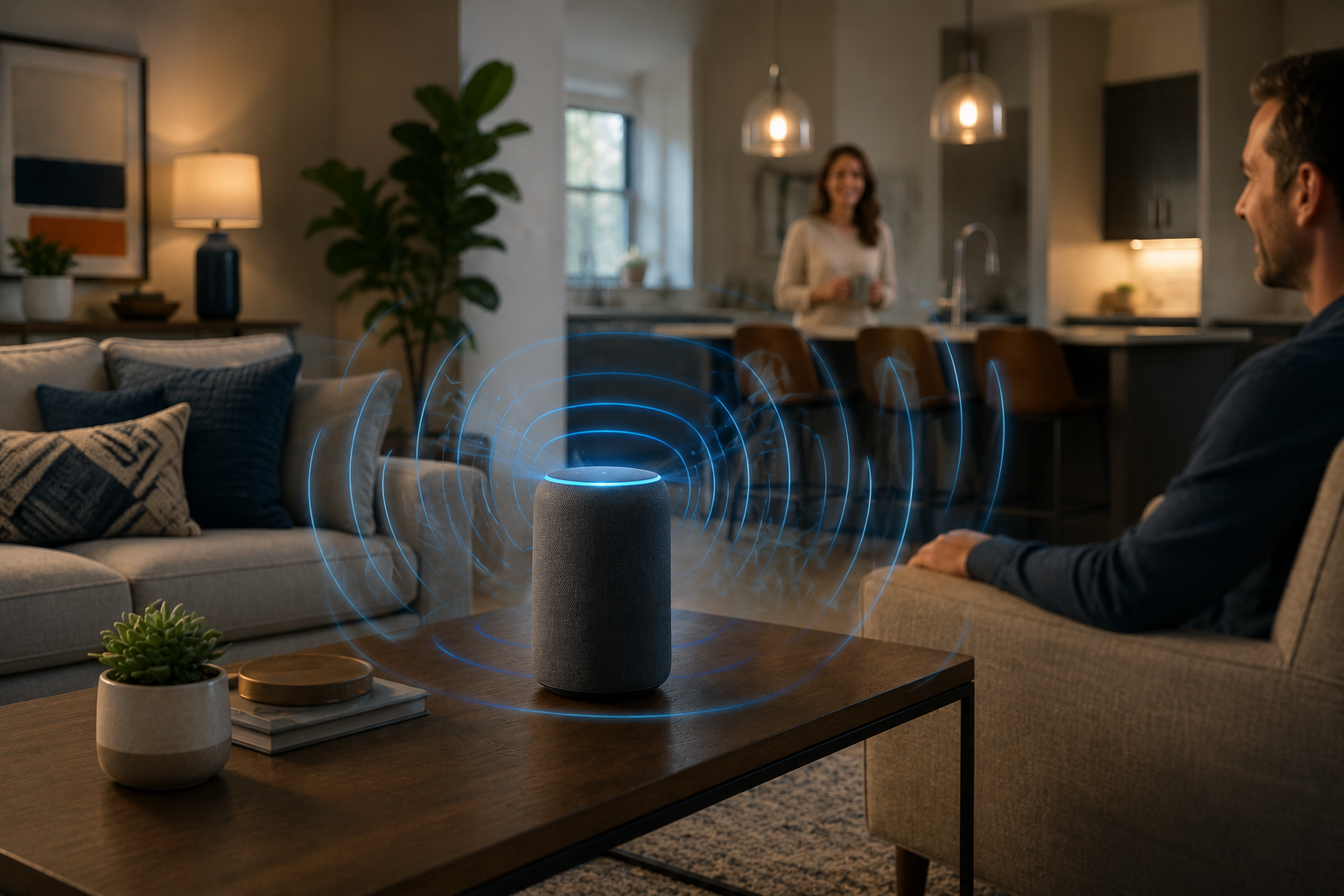
A smart speaker can be one of the most useful devices in a home—until it starts responding to the wrong command, misses simple requests, or activates when nobody is speaking to it.
Many people assume these problems come from poor microphones, weak internet, or low-quality voice assistants. Sometimes that is true, but in many cases, the real issue is much simpler: placement.
A smart speaker depends heavily on where it sits. The same device can perform very differently depending on whether it is placed near a television, hidden inside a shelf, sitting too close to a wall, or competing with kitchen appliances and background noise.
Voice recognition is not only about software. It is also about acoustics, signal clarity, room layout, and how sound travels through your home.
A poorly placed speaker may struggle even with strong Wi-Fi and the latest firmware updates. A better position, on the other hand, can improve response speed, command accuracy, and overall reliability without spending anything.
This guide explains how to improve smart speaker accuracy through better placement, what mistakes reduce performance, and how to create a setup that feels faster, smarter, and less frustrating every day.
Why Smart Speaker Placement Matters More Than People Expect
Most users focus on setup screens, Wi-Fi settings, and app permissions. They rarely think about physical placement.
That is often where the real problem begins.
Smart Speakers Need Clean Audio Input
Voice assistants work best when they receive clear, direct sound without interference.
They struggle when dealing with:
- television noise
- kitchen appliances
- fans and air conditioners
- echo-heavy rooms
- blocked microphone paths
- voices coming from another room
Even a high-quality speaker cannot process commands well if the sound reaching it is unclear.
Good Placement Improves More Than Voice Recognition
Better positioning can also improve:
- faster wake-word response
- fewer accidental activations
- stronger Wi-Fi stability
- better speaker audio quality
- smoother smart home automation
Placement affects the full experience, not just listening accuracy.
Avoid Placing Smart Speakers Near the TV
This is one of the most common setup mistakes.
Why TVs Cause Constant Problems
A television creates:
- background voices
- wake-word confusion
- loud volume interference
- delayed command recognition
The speaker may activate from TV dialogue or fail to hear your actual command.
This creates the feeling that the assistant is unreliable when the problem is environmental.
A Better Alternative
Place the smart speaker.
- several feet away from the TV
- on a separate surface
- outside direct speaker output paths
This improves both accuracy and reduces false activations.
Do Not Hide the Speaker Inside Cabinets or Shelves
Many people try to make smart speakers visually disappear.
That often hurts performance.
Enclosed Spaces Block Microphones
Placing the device:
- inside bookshelves
- behind decorations
- inside TV cabinets
- behind large objects
reduces microphone sensitivity and creates echo distortion.
Voice commands become less consistent, especially from across the room.
Open Space Works Better
A visible speaker in an open location performs better than a hidden one in a decorative setup.
Function should come before appearance if accuracy matters.
Height and Surface Choice Make a Real Difference
Where the speaker sits vertically matters more than most people expect.
Floor Placement Reduces Accuracy
Speakers placed too low:
- collect more floor-level noise
- struggle with distant voices
- suffer from blocked sound paths
This is especially common in living rooms and bedrooms.
Ideal Placement Height
A better range is
- desk height
- side table height
- kitchen-counter height
- shelf height near normal speaking level
This helps microphones capture natural speech more clearly.
Stable Surfaces Help Too
Avoid unstable or vibrating surfaces like the following:
- washing machines
- mini refrigerators
- speaker stands with vibration issues
These create unnecessary audio interference.
Keep Distance From Kitchens and Noisy Appliances
The kitchen is a popular smart speaker location, but it needs careful planning.
Appliance Noise Confuses Voice Recognition
Common problems include:
- exhaust fans
- blenders
- microwaves
- dishwashers
- refrigerators with strong motor noise
These sounds compete directly with voice commands.
Smarter Kitchen Placement
Instead of placing the speaker next to appliances, choose the following:
- a quieter side counter
- a dining area edge
- a shelf away from direct appliance noise
Convenience should not reduce usability.
Wall Distance and Room Shape Affect Performance
Sound reflection matters.
Too Close to Walls Creates Echo Problems
A speaker pressed into a corner or tight wall space may create:
- echo distortion
- reduced microphone accuracy
- poorer speaker sound quality
Corners often amplify unwanted reflections.
Leave Some Open Space Around It
A better setup usually means the following:
- a few inches from walls
- open space around the microphones
- avoiding tight corner placement
This improves both listening and playback quality.
Strong Wi-Fi Still Supports Better Accuracy
Voice recognition depends on sound, but response speed also depends on connection quality.
Weak Wi-Fi Creates Delayed Commands
Symptoms include:
- long response delays
- “device not responding” errors
- failed smart home actions
- interrupted music playback
This often feels like voice failure even when the microphone works correctly.
Placement Should Consider Signal Strength Too
Do not place the speaker.
- in basement corners
- behind thick concrete walls
- far from the main router
- near major signal interference zones
A good listening position should also be a good Wi-Fi position.
A Simple Testing Method That Actually Works
Instead of guessing, test placement intentionally.
Step 1: Use Normal Voice Commands
Do not shout.
Test from your usual speaking distance.
Step 2: Try Different Times of Day
Morning silence and evening TV noise create different results.
Step 3: Move the Device Slightly
Even one meter can change performance.
Step 4: Test Smart Home Commands
Use real daily actions, like
- turning lights on
- checking weather
- setting reminders
- controlling plugs or fans
Real use shows better results than setup screens.
Step 5: Keep the Best Position for One Week
Short tests are not enough.
Daily consistency matters more.
Common Mistakes That Reduce Smart Speaker Accuracy
Many smart speaker issues come from habits that seem harmless.
Prioritizing Decoration Over Performance
Hidden speakers often become unreliable speakers.
Keeping It Too Close to the TV
This causes false activations and missed commands.
Assuming Louder Voice Means Better Results
Shouting usually makes commands less natural and sometimes less accurate.
Ignoring Room Noise Patterns
Fans, appliances, and evening background noise matter.
Forgetting That Wi-Fi Affects Response Speed
Voice recognition and network stability work together.
Expert Recommendations for Long-Term Better Performance
A reliable smart speaker setup should feel invisible—it should just work.
Give Each Room One Clear Listening Zone
Too many overlapping speakers create confusion.
One well-placed device often works better than several poorly placed ones.
Review Placement After Furniture Changes
Moving a sofa, TV, or desk can change room acoustics more than expected.
Keep Firmware Updated
Software improvements help voice recognition and device compatibility.
Clean Microphone Areas Occasionally
Dust buildup near microphone openings can reduce sensitivity over time.
Simple maintenance protects long-term performance.
FAQs
Why does my smart speaker respond to the TV?
This usually happens when the speaker is placed too close to the television. TV dialogue can trigger wake words or confuse voice recognition.
Is the kitchen a bad place for a smart speaker?
Not always, but it should be placed away from noisy appliances like microwaves, exhaust fans, and dishwashers for better accuracy.
Should a smart speaker be close to the router?
It should be close enough for a stable Wi-Fi signal, but it does not need to be next to the router. Balance signal strength with good acoustic placement.
Does height really affect voice recognition?
Yes. Speakers placed too low often perform worse because microphones capture more floor-level noise and blocked sound paths.
Can moving the speaker a small distance really help?
Absolutely. Even moving it a short distance away from a wall, TV, or noisy appliance can significantly improve performance.
Conclusion
Smart speaker accuracy is often treated like a software problem, but placement is usually the real reason behind poor performance.
A device placed too close to the TV, hidden inside a cabinet, sitting in a noisy kitchen corner, or trapped against a wall will struggle no matter how advanced the technology is.
Better placement improves voice recognition, faster responses, fewer false activations, stronger Wi-Fi reliability, and a much smoother smart home experience—all without buying new equipment.
The best upgrade is often not a new device.
It is moving the one you already own to the right place.
When smart speakers are placed with sound, space, and daily habits in mind, they stop feeling frustrating and start becoming what they were meant to be: quietly helpful tools that work naturally in the background.