
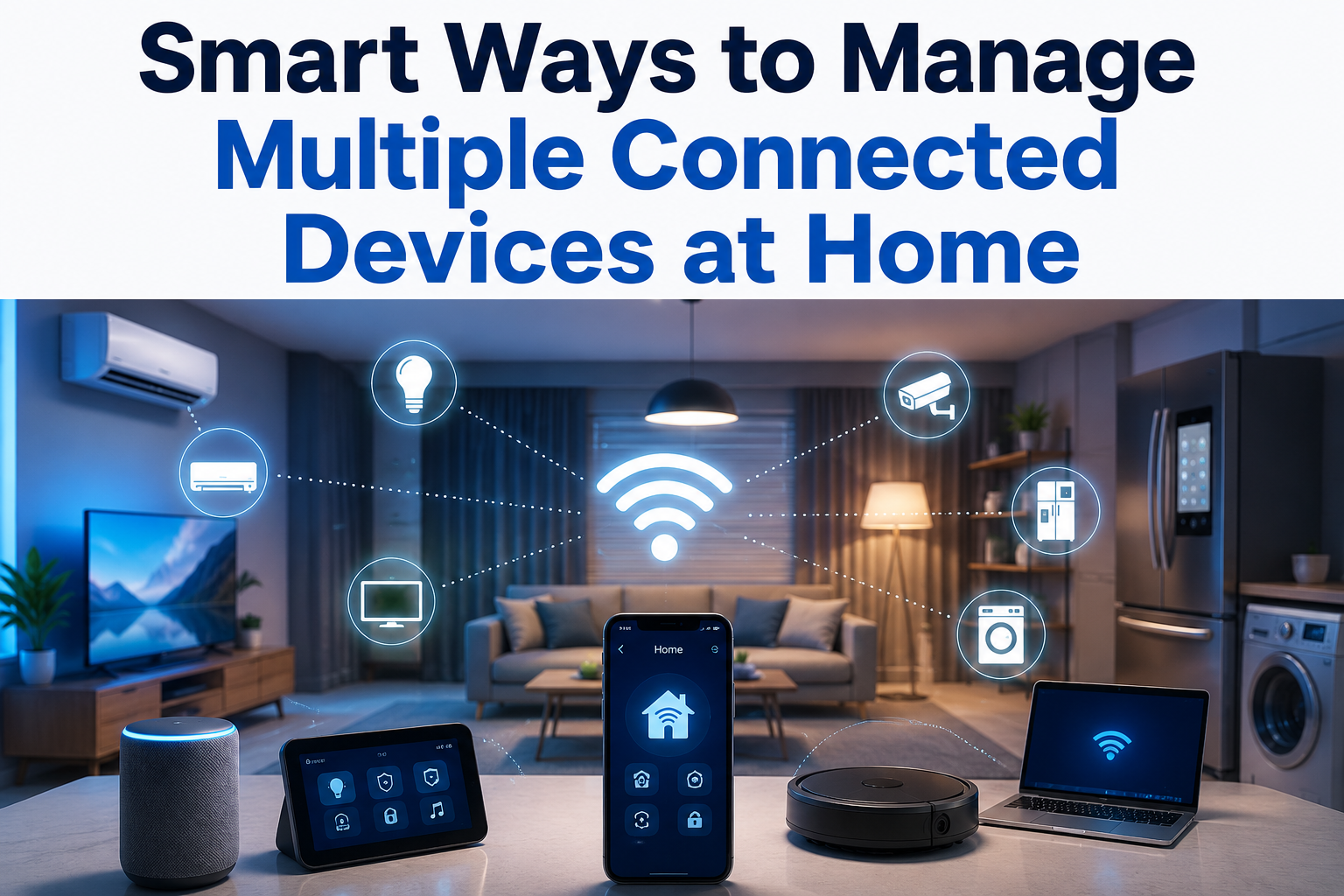
The Quiet Chaos of a Modern Connected Home
Walk into any home today and find a web of devices talking to each other, the cloud, and sometimes no one at all. Smartphones, tablets, laptops, smart TVs, security cameras, thermostats, voice assistants, and gaming consoles all share the same space. Managing them is no longer a tech hobby. It is a household necessity.
The average home now has more than twenty connected devices. Each one demands bandwidth, updates, passwords, and attention. Without a system in place, this digital ecosystem becomes a source of frustration rather than convenience. Slow internet, forgotten passwords, and security gaps are just the beginning of the headaches.
The excellent news is that managing multiple devices does not require an IT degree. A few smart habits and the right tools can turn chaos into calm. This guide walks through practical strategies that work in real homes, not just in theory.
Start With the Foundation: Your Network
Every connected device in your home depends on your Wi-Fi network. Yet most people treat their router like a piece of furniture. They plug it in once and forget about it for years. That is a mistake that costs speed, security, and sanity.
A modern home needs a modern network. If your router is more than four years old, it is probably struggling to keep up. Newer standards like Wi-Fi 6 and Wi-Fi 6E handle multiple devices far better than older technology. They reduce congestion and improve performance when everyone is online at once.
Placement matters just as much as hardware. Routers tucked away in closets or basements broadcast weak signals to the rest of the house. Central, elevated locations with minimal obstructions provide the best coverage. For larger homes, mesh systems like Eero, Netgear Orbi, or TP-Link Deco create seamless coverage without dead zones.
Quick Check: Run a speed test from different rooms in your house. If speeds decline by more than fifty percent in any area, you have a coverage problem that a mesh system or range extender can solve.
Organize Devices by Priority and Purpose
Not every device in your home deserves the same level of attention. A smart thermostat that controls your heating is more important than a tablet used occasionally for reading. Understanding which devices matter most helps you allocate bandwidth, security focus, and troubleshooting time wisely.
Group your devices into three categories. High-priority devices include work laptops, security systems, and anything that affects health or safety. Medium-priority covers entertainment systems, smart speakers, and tablets used daily. Low-priority includes guest devices, old phones kept as backups, and novelty gadgets.
This simple sorting exercise reveals where your energy should go. It also makes decisions easier when you need to limit bandwidth during video calls or troubleshoot a slow connection. You know exactly which devices to protect first.
| Priority Level | Examples | Why It Matters |
|---|---|---|
| High | Work laptop, security cameras, medical devices | Directly impacts income, safety, or health |
| Medium | Smart TV, streaming boxes, gaming console | Daily entertainment and family use |
| Low | Old phones, guest tablets, experimental gadgets | Convenience items with minimal impact |
Master the Art of Password Management
Passwords are the locks on your digital doors, yet most people reuse the same password across multiple devices. One breach opens everything. In a home with twenty or more connected devices, this habit is especially dangerous.
The solution is a password manager. Tools like Bitwarden, 1Password, or Dashlane generate strong, unique passwords for every device and account. They store them securely and autofill when needed. You only need to remember one master password.
Enable two-factor authentication wherever possible. This adds a second layer of protection beyond the password. Even if someone steals your login credentials, they cannot access your accounts without the second verification step. Most modern devices and services support this feature, though many people never turn it on.
Change default passwords immediately on any new device. Manufacturers often use simple passwords like “admin” or “123456,” which are publicly known. Smart cameras, baby monitors, and routers are frequent targets for hackers precisely because owners skip this basic step.
Security Reality: In 2023, a massive botnet attack compromised over one hundred thousand home routers worldwide. The entry point? Default passwords that owners never changed. This single habit could have prevented the entire incident.
Automate Updates and Maintenance
Software updates are annoying. They interrupt what you are doing and sometimes break features that worked fine before. But skipping them is one of the fastest ways to expose your home network to security vulnerabilities.
Set devices to update automatically whenever possible. Most operating systems, smartphones, and modern routers offer this option. For devices that cannot auto-update, create a monthly calendar reminder to check for updates manually. Treat it like changing smoke detector batteries. It is maintenance, not optional.
Restart your router every few months. This simple act clears memory leaks, applies pending updates, and refreshes connections. Many people run their routers for years without a reboot, wondering why performance degrades over time. A thirty-second restart often fixes mysterious slowdowns.
Create a Family Device Policy
Device management is not a solo job in most homes. Spouses, children, and guests all bring their own gadgets into the mix. Without clear rules, the network becomes a free-for-all that someone else eventually has to fix.
Sit down with your household and agree on a few basics. Which devices can connect to the main network? Should guests use a separate guest network? What are the rules for downloading apps or clicking links? When do devices get shut off for the night?
A guest network is one of the smartest tools available. It gives visitors internet access without exposing your main network, shared files, or smart home devices. Most modern routers create guest networks in minutes. Use this feature every time someone visits. It costs nothing and adds significant protection.
Family Tip: Create a shared digital calendar specifically for device maintenance. Mark update days, password rotation dates, and quarterly network reviews. When everyone sees the schedule, device management becomes a shared responsibility rather than one person’s burden.
Monitor What Is Actually Happening
You cannot manage what you cannot see. Most people have no idea how many devices are on their network at any given moment. They do not know which ones use the most data or which ones connect at odd hours. This blindness creates security risks and performance problems.
Router admin panels and network monitoring apps reveal this hidden activity. They show every connected device, data usage patterns, and connection times. Some advanced routers even flag unusual behavior automatically. Spend fifteen minutes exploring these tools. The insights are often surprising.
Look for devices you do not recognize. An unknown device on your network could be a neighbor leeching Wi-Fi, a forgotten gadget, or something more concerning. If you see something suspicious, change your Wi-Fi password immediately and reconnect only the devices you trust.
When to Upgrade and When to Let Go
Technology moves fast. Devices that were cutting-edge five years ago are now slow, insecure, and incompatible with modern standards. Holding onto old gadgets out of habit creates more problems than it solves.
Evaluate your devices honestly. Does it still receive security updates? Does it perform its core function well? Is there a newer version that solves problems you currently tolerate? If the answer to any of these questions is no, it is probably time to replace or retire the device.
Old smartphones and tablets make excellent dedicated controllers for smart home systems. A retired phone can become a permanent wall-mounted thermostat controller or music player. This repurposing extends value while keeping newer devices free for primary tasks. Just be sure to remove personal data and update the software first.
Upgrade Signal: If a device no longer receives manufacturer updates, treat it as a security liability. Unsupported devices have known vulnerabilities that will never be patched. Isolate them on a separate network segment or disconnect them entirely.
Building a Home That Works for You
Technology should serve your life, not complicate it. A well-managed home network runs quietly in the background, enabling work, entertainment, and connection without constant troubleshooting. The effort you put into organizing your devices pays back in saved time, reduced stress, and stronger security.
Start small. Pick one strategy from this guide and implement it this week. Maybe it is finally changing those default router passwords. Maybe it is setting up automatic updates. Small wins build momentum, and momentum turns into lasting habits.
The connected home is here to stay. The question is whether you control your devices or they control you. With a little structure and the right mindset, you can build a digital environment that genuinely makes life better.
Sources and References
- Federal Trade Commission. (2023). Securing Your Internet of Things Devices. Retrieved from https://consumer.ftc.gov/articles/securing-your-internet-things-devices
- Cisco Annual Internet Report. (2023). Global Internet Traffic and Device Growth Forecast. Retrieved from https://www.cisco.com/c/en/us/solutions/collateral/executive-perspectives/annual-internet-report.html
- Bitwarden. (2024). Password Security Best Practices for Home Networks. Retrieved from https://bitwarden.com/blog/password-security-best-practices/
- National Cybersecurity Alliance. (2023). Stay Safe Online: Home Network Security. Retrieved from https://staysafeonline.org/resources/home-network-security/
- Consumer Reports. (2024). Best Mesh Wi-Fi Systems for Large Homes. Retrieved from https://www.consumerreports.org/cro/wifi-routers.htm
- Pew Research Center. (2023). Digital Connectivity and Device Ownership in American Households. Retrieved from https://www.pewresearch.org/internet/